SNACK Defense Player Tools & Checklists
Practical routines—gem efficiency, loadouts, and session planners.
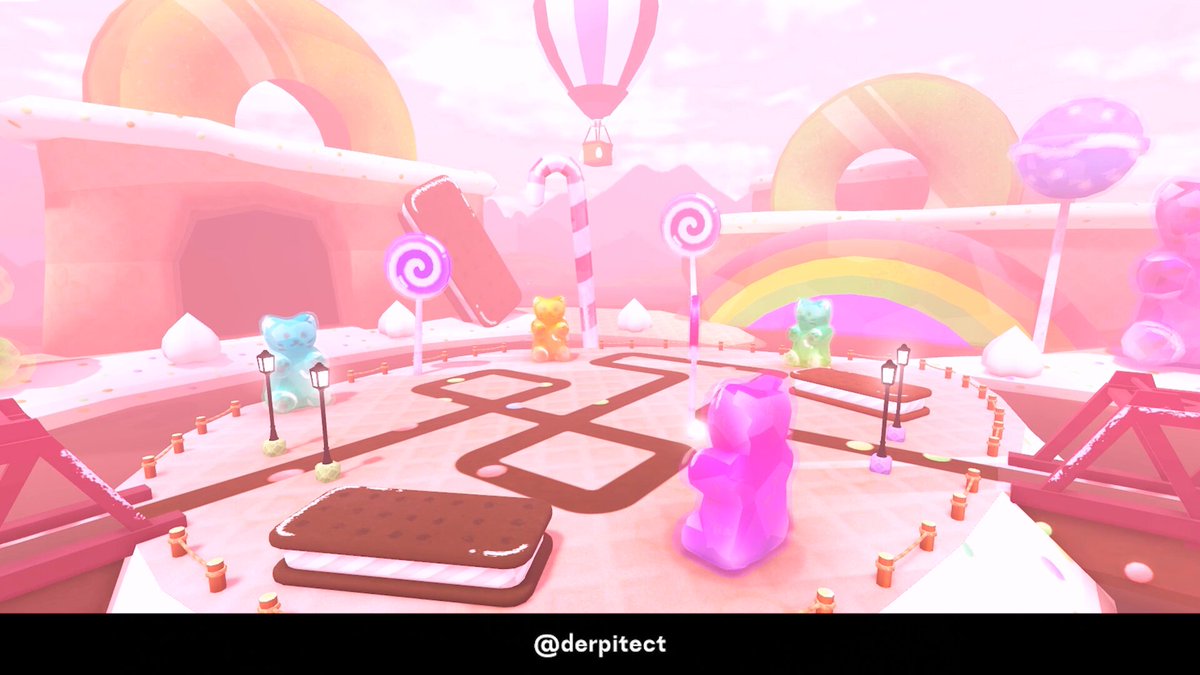
Not every wiki page needs to be a lore dump. This Tools Hub collects practical SNACK Defense routines: how to think about gem farming, what to check before you hit play, and how to keep Update 2 content from scattering your focus. Deep farm math lives on Gem Farm. Roster truth lives on Snacks. Power rankings live on the Tier List Hub. Use this hub as the clipboard you open between matches.
What “tools” means here
We are not shipping downloadable cheats. Tools means checklists, decision trees, and efficiency habits that free-to-play and light-spender accounts can run inside the legitimate client. If you want automation talk, that is quarantined under Scripts with ToS warnings.
Core tool: session loadout checklist
Run this list every login before spending a single gem:
- Codes & group rewards — claim anything active (Codes, Links).
- Dailies / VIP drips — gems, trait dice, XP bonuses.
- Equip set — Watermelon-led early core or your current diner set (Early Game, units).
- Trait status — is Money III (or best economy roll) on the main carry (traits)?
- Map goal — Enchanted Forest XP, B’s Diner clear, Endless attempt, or event farm.
- Gem budget — tonight’s Gourmet save vs Jackpot curiosity vs Limited Soda temptation.
- Inventory hygiene — keep fusion/index fodder; do not delete blindly after Update 2.
- Exit condition — stop time, gem target, or clear count so you do not tilt-spend.
Print it. Seriously. Most bankrupt SNACK accounts skipped step 6.
Core tool: gem decision tree
Can you clear your target map comfortably?
  no → spend time on placements/upgrades, not banners
  yes → do you need event currency this week?
           yes → prioritize event loop ([Events](/updates/events/))
           no → is your Rare core traited?
                    no → bank dice + light Standard only
                    yes → save for Gourmet unless a limited is truly worth it
Jackpot sits beside this tree as a luxury branch, not the trunk. Limited Soda (~25k gems / 499 Robux) is a side door—walk through only with surplus. Details: gem farm.
Core tool: map picker
| Goal | Prefer |
|---|---|
| Learn TD basics | Enchanted Forest |
| Test Update 2 strength | B’s Diner |
| Long scaling | Endless (Lv50+) |
| Limited event currency | Live farm map / quests |
| Footage / clips | Whatever you can stylishly clear for Medal |
Candy map teases will add another row later—watch Updates.
Core tool: trait spend governor
Only open the trait UI with a written target (“Money-family on Watermelon” beats “click until cool”). Auto-reroll scripts can ignore that governor; manual play should not. Link: Traits & Money III.
Core tool: post-patch reboot (15 minutes)
After any patch day:
- Skim Updates Hub + newest child page
- Re-equip based on tier list notes
- Run one cheap clear to test pathing
- Recalculate gem budget
- Only then touch Jackpot or limited shops
This reboot prevents the classic “Update 2 dropped so I spent everything” spiral.
Child pages under Tools
- Gem Farm — efficient gem income habits, what not to buy, VIP vs free pacing
More calculators can appear later (damage sandboxes, pity trackers) only when we have trustworthy public numbers—no fake DPS spreadsheets.
How Tools cross-links the wiki
- Tier decisions → Tier List
- Roster facts → Players / Snacks
- Patch context → Updates
- Automation risk → Scripts
- Official news → Links / Wiki
Sample 60-minute efficient session
0–5 min: checklist + claims
5–35 min: highest reliable clear loop for gems/XP
35–45 min: event objectives if live
45–55 min: one intentional summon decision or skip
55–60 min: trait one main snack or bank dice
If you finish early, do not “just do a Jackpot spin” without revisiting the decision tree.
What this hub will never be
- A storefront for executors
- A place for invented code lists
- A guarantee of Endless leaderboard ranks
- A substitute for reading Discord hotfixes
Use tools to reduce chaos. Let snacks, traits, and maps do the rest.
VIP gamepass
VIP Guide
Is the ~199 Robux VIP pack worth it? Covers the upfront ~2000 gems + 3 trait dice, ~150 gems/day, bonus snack slot, and double AFK limit—plus when to wait and play free first.
Frequently Asked Questions
Quick answers for SNACK Defense players.
Are these downloadable tools?
No. This hub is checklists and planning routines for legitimate play. Script automation is covered separately with ToS warnings.
Where is the gem farm guide?
Open the Gem Farm child page for income habits, spend priorities, and limited-shop caution.
How often should I run the loadout checklist?
Every login before spending gems, and again after patches or event starts.
Do tools replace the tier list?
No. Tools help you execute; the tier list and unit index tell you what is worth executing toward.